During the senhasegura installation, it configured some Scan parameters so that Scans can be automatically done in different environments and a certain period of time.
senhasegura performs these types of Discovery:
- Domain
- Device
- Containers
- URL Certificates.
Depending on the type of Discovery, the screen has the following tabs:
| Tabs | Domain | Device | Containers | Application |
|---|---|---|---|---|
| Connection | X | X | X | X |
| Searches | X | X | X | X |
| Search parameters | X | |||
| Filters for search | X | |||
| Containers | X | |||
| Plugins | X | X | ||
| Execution | X | X | X | X |
| Import | X | X | ||
| DevOps | X | X | X | |
| Certificates | X | X | X |
Caution
At the moment, the senhasegura certificate discovery module can only import certificates with the .crt and .cer extensions, for certificates protected with passwords, a credential needs to be given.
For better understanding, the header part of each type will be explained once each tab.
To create a Discovery go to the menu Discovery ➔ Settings ➔ Discovery and on the Report action button, click on New.
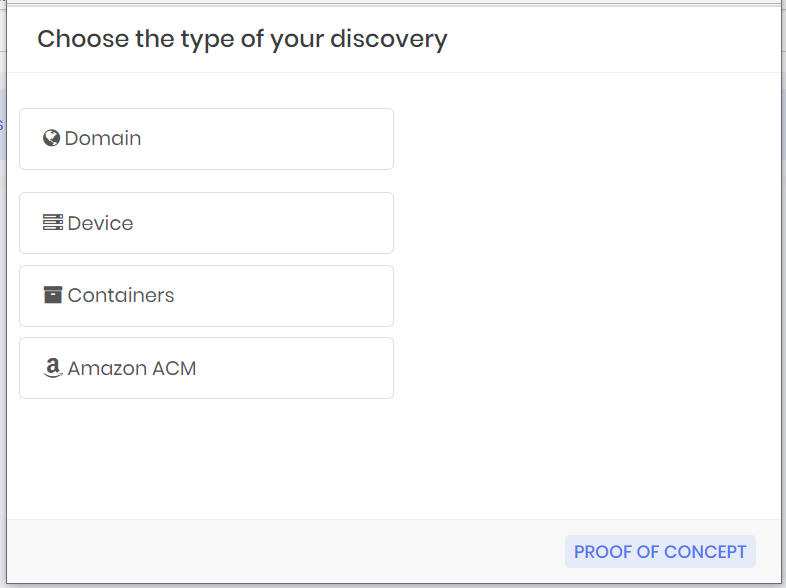
Click on the type of Discovery to be created.